When notebooks, visitors, printers, cameras and switch management share one network, every device occupies an unnecessarily broad trust area. VLANs divide one physical infrastructure into several logical networks without a dedicated switch for every group.
Segmentation belongs in business network design and management. The goal is not the highest number of VLANs, but clear boundaries, owners and permitted flows.
A VLAN separates broadcast domains; a firewall controls access
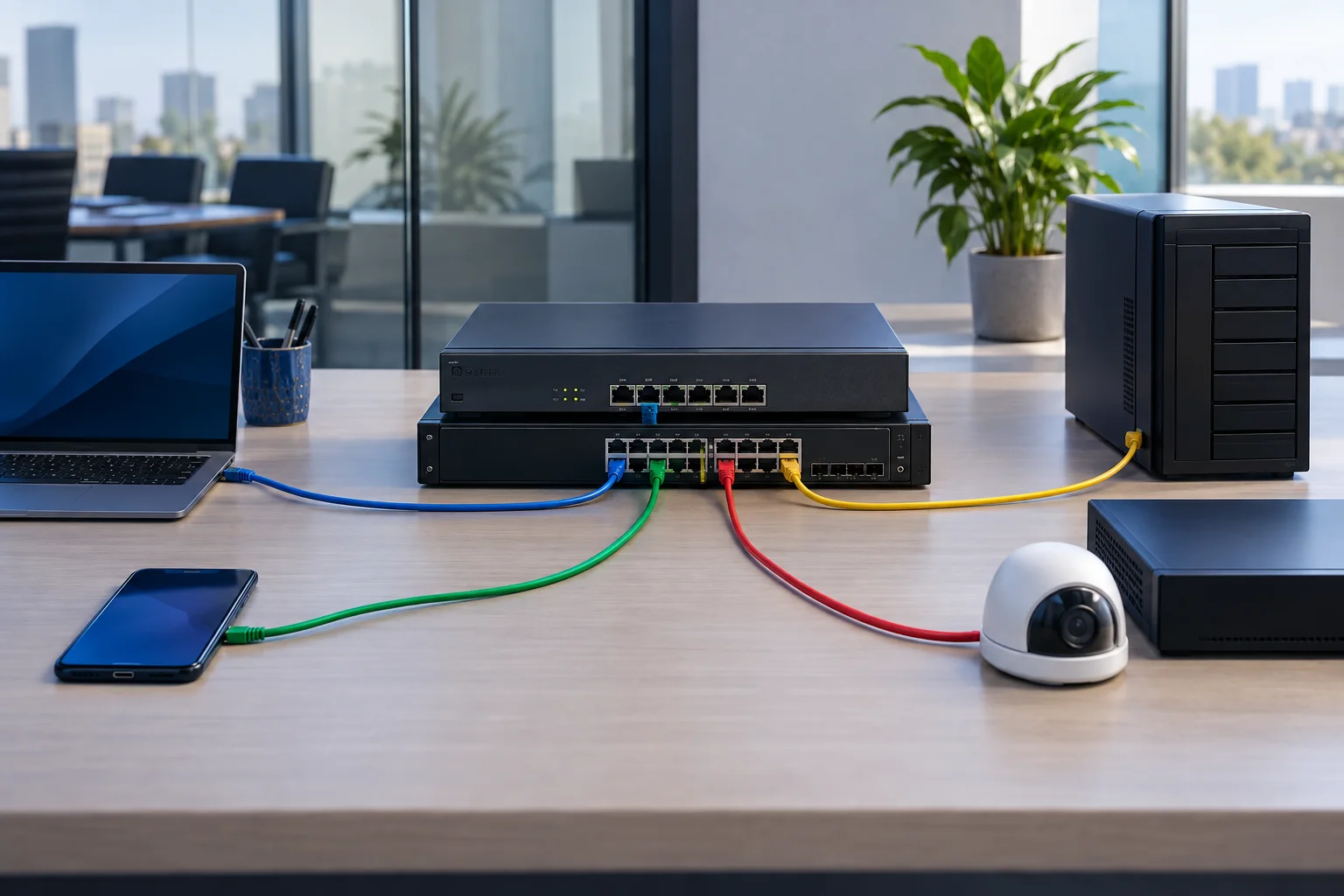
Ports and wireless networks assigned to one VLAN share a broadcast domain. Frames are not automatically switched between different VLANs; a router or firewall must mediate the traffic. That is where source, destination and allowed services are defined.
A practical model for a smaller company
- employee workstations and managed notebooks
- servers and storage
- IP cameras and the NVR
- guests and personal devices
- management of switches, access points and firewalls
A guest network normally needs internet access only. Cameras should communicate mainly with the NVR and management stations. The management VLAN should be reachable only by designated administrators.
Deploy without an avoidable outage
- Map devices, ports, SSIDs and dependencies.
- Design address ranges, DHCP and inter-zone rules.
- Pilot one non-critical group.
- Move devices in small groups and inspect logs.
- Update documentation and configuration backups.
Where implementations fail
Common failures include an undocumented trunk, wrong native VLAN, missing DHCP relay or an overly broad any-any rule. A security review should also confirm that the user network cannot administer switches or cameras.
Start with a communication map, not VLAN numbers
Yenwa can map devices, design segmentation, prepare firewall rules and perform a staged migration while monitoring availability.
Sources and further information
- Virtual Local Area Network Definition — Cisco
- What Is a LAN? — Cisco