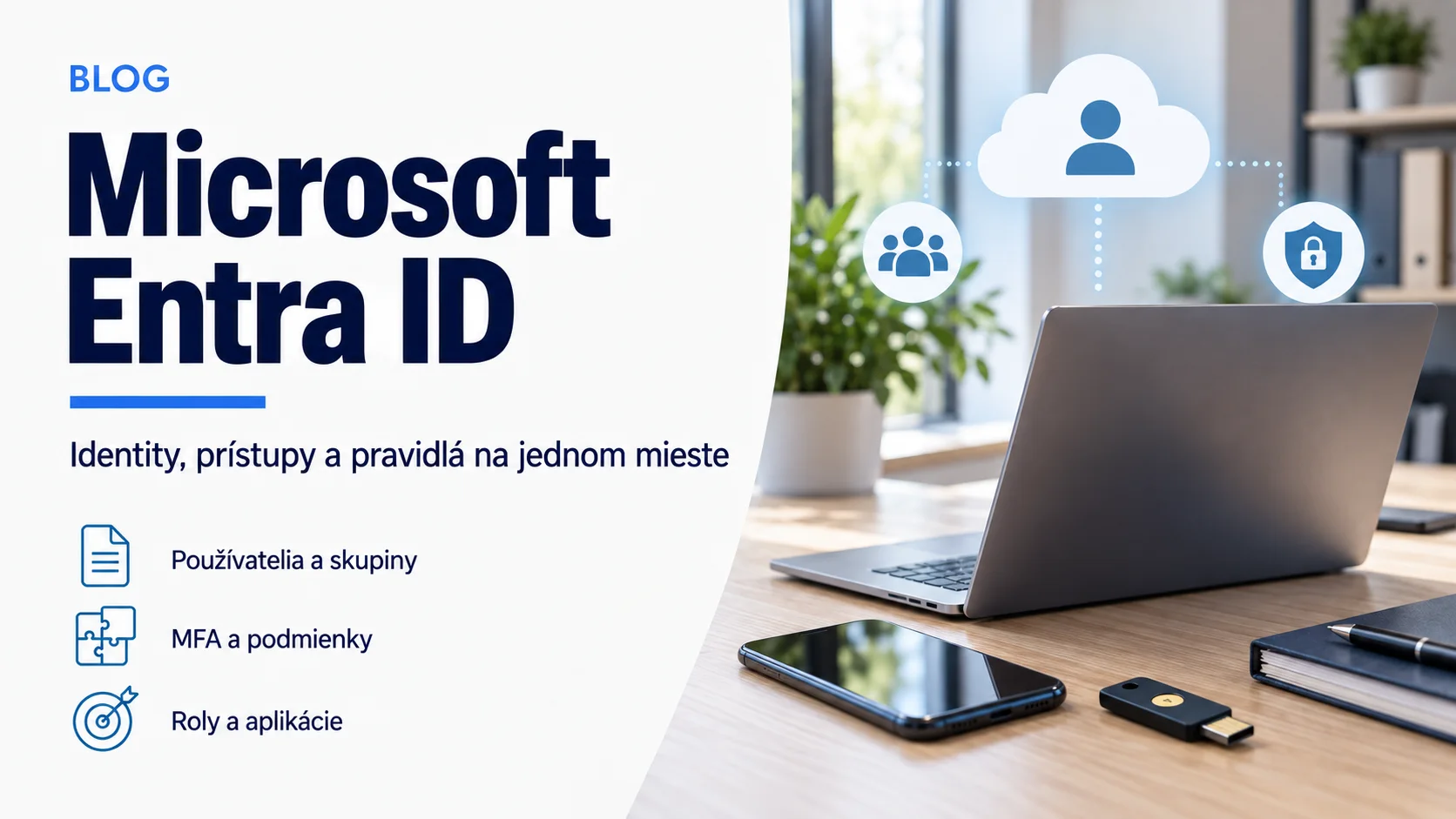
When an employee opens Outlook, Teams, SharePoint or a business application, a service must verify the identity and decide whether access is allowed. In the Microsoft environment, Microsoft Entra ID is that foundational cloud service. It used to be called Azure Active Directory, but it is not simply a cloud copy of on-premises Active Directory.
Every Microsoft 365 tenant already uses Entra ID. The difference is whether the organization merely creates identities or governs them through multifactor authentication, minimum roles and reviews of guests, devices and applications. That is a core part of sound Microsoft 365 and cloud management.
What Entra ID actually does

Entra ID stores objects such as users, groups, devices, enterprise applications, app registrations and administrative roles. During sign-in it verifies authentication material and issues tokens trusted by the application. Policies then determine whether the identity can access the resource and which permissions apply.
Authentication answers “who are you?” Authorization answers “what may you do?” MFA strengthens identity verification, while an application role or permission still controls the scope of work. Confusing the layers creates accounts that are strongly authenticated but unnecessarily powerful.
A tenant is not a license or an Azure subscription
A tenant is an organizational identity boundary containing a directory and settings trusted by Microsoft 365, Azure and integrated applications. An Azure subscription is a billing and resource container linked to a tenant. A license enables a particular set of user or security features.
Not every Entra feature is included in every plan. Conditional Access, advanced identity governance or risk detection may require specific licensing. Design should therefore start with the current tenant, assigned licenses and required controls rather than a remembered product-bundle name.
The account lifecycle matters more than creation day
- At onboarding, assign only necessary groups and secure sign-in methods.
- When a role changes, remove obsolete access instead of only adding new access.
- Give guests an owner, a purpose and a recurring expiry review.
- Use a separate account with a minimum role for administration.
- At offboarding, block sign-in, revoke sessions, hand over data and remove licenses through a defined process.
Order comes from a repeatable process rather than a one-time audit. Groups and automation help, but they need owners and understandable names.
A practical security baseline for a smaller company
The company should know every administrator, enable suitable MFA, separate standard and privileged accounts, review external users and monitor risky sign-ins. Conditional Access can evaluate the user, device, application, location or risk signal, but a poor rule can block legitimate work. Use a report-only or pilot stage where the relevant feature supports it.
Entra ID is one layer of broader business identity protection. It does not replace backups, device management or security policy, but it connects them through trusted identity and access decisions.
An identity audit starts with accounts and roles
Begin with an export of users, guests, applications and privileged roles, then review MFA and account lifecycle. Yenwa can map the tenant, licensing and risky exceptions and prepare a prioritized remediation plan.
Sources and further information
- What is Microsoft Entra? — Microsoft Learn
- Frequently asked questions about Microsoft Entra ID — Microsoft Learn