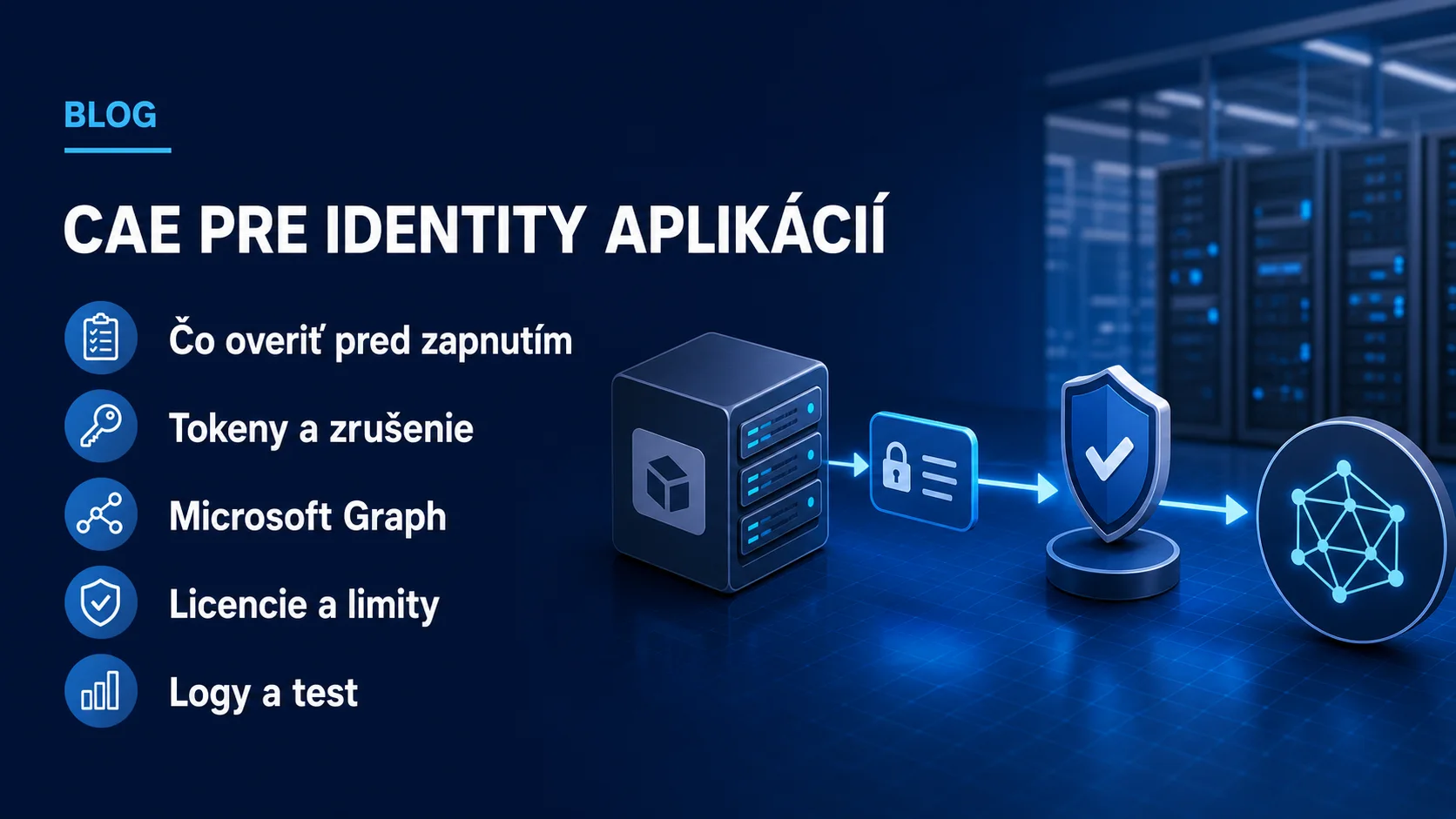
A business application often accesses data without signing in as a person. It uses its own application identity, called a service principal in Microsoft Entra, and obtains an access token. A common problem appears after compromise is detected: an administrator disables the identity, but an already issued bearer token can remain usable until it expires.
On 25 August 2026, Microsoft highlighted support for instant evaluation of service-principal token revocation through Continuous Access Evaluation, or CAE. This is not a universal switch for every integration. Current documentation limits it to single-tenant service principals for in-house line-of-business applications that access Microsoft Graph and declare the ability to process a claims challenge in the token request.
 Microsoft Entra CAE workload identity
What changed and why it matters
Without CAE, a client typically reuses a token until expiry. With CAE, a supported resource provider can evaluate a revocation event before the token expires. Microsoft lists three supported events for workload identities: disabling a service principal, deleting it and detecting high service-principal risk. Microsoft Graph then rejects the token with a 401 response and claims challenge, and the client must ask Microsoft Entra for a new evaluation.
The benefit is specific: when an incident team disables an application identity, supported access to Microsoft Graph does not have to wait for the natural expiry of an issued token. CAE-enabled tokens for workload identities can have a lifetime of up to 24 hours according to the documentation, so continuous evaluation is part of their security model rather than an optional addition to a long lifetime.
This does not replace an application inventory, least privilege or credential protection. CAE addresses one part of the response after an event. When designing cybersecurity for business identities, you still need to know which applications hold which Graph permissions, where secrets or certificates are stored and who may deactivate a service principal.
How CAE for workload identities works
- The application requests a token from Microsoft Entra ID and declares the
cp1client capability in the claims parameter. - Microsoft Entra evaluates applicable Conditional Access policies and issues a CAE-enabled token for Microsoft Graph.
- The application presents the token to Microsoft Graph. Graph continuously evaluates it against supported revocation events and policy changes.
- For a supported event, Graph returns a
401response with a claims challenge. - The client must handle the challenge, bypass its token cache and request a new token. Microsoft Entra evaluates the conditions again.
Adding cp1 alone is therefore insufficient. The application must correctly handle the 401 response and claims challenge; otherwise the integration simply fails when the token is rejected. For an in-house application, this is a development and testing task that belongs in the management and evolution of business integrations.
The supported scope is still narrow
- Resource provider: Microsoft Graph only at present.
- Identity: a single-tenant service principal registered in your tenant.
- Out of scope: managed identities, multitenant applications and third-party SaaS.
- Policies: CAE evaluates supported location and risk policies for workload identities in real time.
- Policy assignment: a policy assigned to a group containing a service principal is not enforced; it must target the workload identity directly.
Microsoft requires Workload Identities Premium licenses and at least the Conditional Access Administrator role to create or modify Conditional Access policies for service principals. Before rollout, an administrator should verify the current terms for the specific tenant and licensing program.
CAE provides value only across a supported chain: the right service principal, Microsoft Graph, a client with cp1, claims-challenge handling and directly targeted policies.
A practical test before production rollout
- Select a non-production single-tenant application with minimal Graph permissions and document its service principal.
- Verify that its authentication library can declare
cp1and process claims challenges according to Microsoft documentation. - Configure a test Conditional Access policy in a mode that cannot affect production identities first, and verify both licensing and direct scope.
- Run a controlled service-principal disable test. The application should receive a 401 challenge and must not continue with the old token.
- In the Entra admin center, open Service principal sign-ins and inspect the Continuous access evaluation field, sign-in outcome and applied policy.
- Test recovery: re-enable the identity only under the approved incident procedure and confirm that the application requests a new token.
Do not run the test against a critical integration without a rollback plan. Disabling or deleting a service principal can interrupt automation, synchronization or reporting. If ownership is unclear, map dependencies before testing the response.
What a company should check now
- an inventory of applications and service principals with owners, purpose and last activity;
- Graph application permissions and admin consents under least privilege;
- certificate validity, secret storage and rotation plans;
- support for
cp1, claims challenges and a safe retry mechanism in the client; - direct Conditional Access policy assignment and licensing prerequisites;
- service-principal sign-in logs, alerts and an authorized process for identity deactivation.
The proportionate first step is not to enable CAE everywhere. It is an inventory of workload identities and one controlled pilot. During an authorized audit, Yenwa can combine an integration code review, Graph permissions, Conditional Access, logging and the incident procedure into a testable plan without an unplanned production impact.
Sources and further information
- Instant revocation of service principal bearer tokens with CAE — Microsoft Entra Blog
- Continuous access evaluation for workload identities — Microsoft Learn
- Application and service principal objects in Microsoft Entra ID — Microsoft Learn