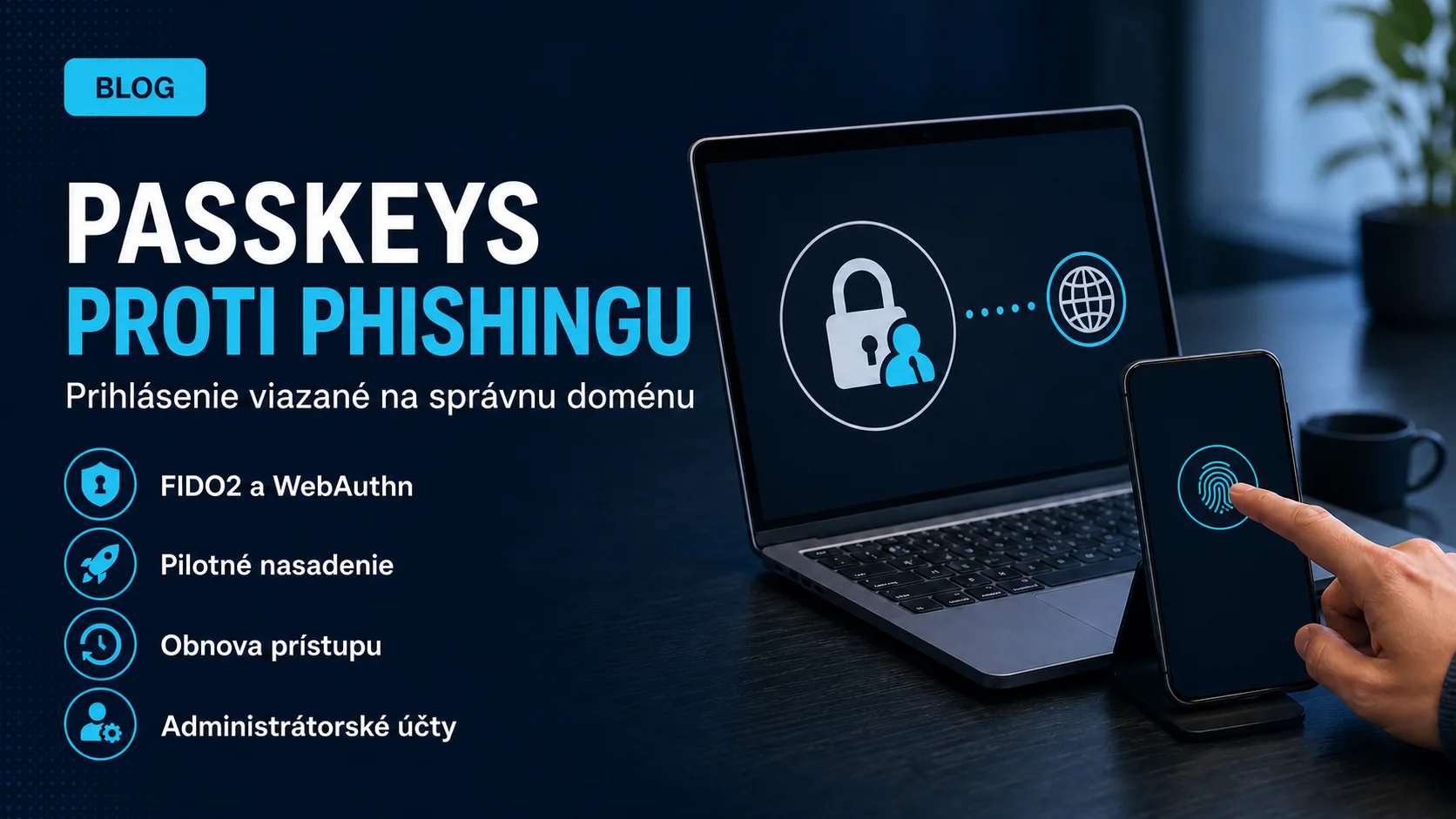
A code from SMS or an authenticator app is better than a password alone, but a user can still type it into a fraudulent site. A FIDO2 and WebAuthn passkey works differently: the authenticator creates cryptographic proof bound to a specific service, and the user does not approve a secret that can be handed to an attacker.
This is why passkeys and security keys are described as phishing-resistant authentication methods. They are not magical protection for an entire account. The organisation must still secure enrolment, account recovery, the endpoint, existing sessions, privileged accounts and legacy applications.
 passkeys phishing-resistant MFA
What phishing resistance means
NIST defines phishing resistance as preventing authentication secrets or valid outputs from being disclosed to an impostor verifier without relying on user attention. Manually entered OTP is not phishing-resistant: the user can submit a valid code to an attacker-controlled page.
WebAuthn uses verifier-name binding, which in practice binds authentication to the correct web origin or service domain context. The authenticator will not create a valid response for a mismatched phishing origin. This cryptographic binding—not merely the convenience of biometrics or a PIN—provides resistance to common sign-in phishing.
How a passkey works
- During registration, the authenticator creates a key pair for a specific service.
- The public key and identifier are stored by the service; the private key remains protected by the authenticator.
- At sign-in, the service sends a one-time challenge.
- The user verifies locally with a PIN, biometric or another device mechanism.
- The authenticator signs the challenge only for the correct service context and the server verifies it with the public key.
In normal use, a biometric template is not sent to the web service as a password. It locally unlocks the authenticator. Exact behaviour still depends on platform and policy, so supported devices need testing.
Device-bound and synced passkeys
A device-bound passkey remains attached to a particular authenticator, such as a security key or device. A synced passkey can make the credential available on several devices within a supported ecosystem. NIST sets additional protection, access and management requirements for syncable authenticators.
The choice is not only technical. Device-bound credentials can provide stronger physical control for an administrator, but require a spare key and a loss process. Synced passkeys reduce user friction, while the organisation must understand the synchronisation account, supported platforms, recovery and management boundary.
Current status in Microsoft Entra ID
Microsoft documents FIDO2 passkeys in two profiles: device-bound and synced. Its compatibility documentation lists both as generally available. The method can be targeted to groups through the Authentication methods policy, while a profile can restrict allowed types or authenticator AAGUIDs.
Microsoft states that passkey authentication is available in all Microsoft Entra ID editions without a separate extra licence for the authentication method. If the organisation enforces passkeys through Conditional Access authentication strengths or uses other advanced controls, separately verify licensing for that feature. Method availability and policy licensing are not the same.
What a passkey does not solve
- malware or remote access on an already unlocked, compromised endpoint;
- theft of an existing web session or token;
- social engineering against the helpdesk and weak account recovery;
- unsafe registration of a new authenticator by an attacker with an active session;
- a legacy application without FIDO2 or modern-authentication support;
- a missing process for device loss, employee departure or phone replacement.
A practical business pilot
- Map sign-in. Identify identities, devices, browsers, mobile platforms, VPN and legacy applications.
- Select a pilot group. Start with IT and a small group using varied devices; place administrator accounts in a separate strict profile.
- Configure Authentication methods policy. Enable the chosen passkey type only for the pilot group and record the change owner.
- Prepare bootstrap. Securely verify initial registration and prevent an attacker from exploiting a weaker initial method.
- Prepare recovery. Define how the helpdesk verifies identity, removes the lost device and provides a new authenticator.
- Test negative scenarios. Test a phishing domain in controlled training, device loss, an offline user, a new phone and an unsupported application.
- Monitor registration and sign-in. Look for unexpected methods, devices, failures and weaker fallback paths.
- Expand in waves. Remove the old method only after coverage and recovery have been verified.
Privileged accounts need separate rules
Administrator accounts have greater impact, so consider device-bound security keys, dedicated workstations, at least two registered authentication options and restricted recovery. Do not store the spare key in the same case as the primary one. Manage, monitor and test emergency accounts separately under a documented process.
A phishing-resistant method has the most value when a weaker fallback cannot bypass the policy. Audit not only successful passkey sign-ins, but also registrations and alternative-method use.
Checklist before expansion
- supported combinations of device, OS and browser are known;
- the pilot includes device-bound and synced scenarios if both are planned;
- new-passkey registration requires appropriate verification;
- the helpdesk has a secure, rehearsed and auditable recovery process;
- administrators have a spare authenticator stored separately;
- Conditional Access behaviour and licensing have been verified for the intended policy;
- legacy and emergency paths are limited, monitored and owned.
How Yenwa can help
Our cybersecurity services can assess methods, privileged accounts, recovery and weak fallback paths. Through Microsoft cloud services, we can prepare an Entra ID pilot, group targeting, compatibility tests and measurable expansion criteria.
The strongest authentication method does not help if the entire account can be recovered through a weaker, uncontrolled process.
Sources and further information
- NIST SP 800-63B-4: Authentication and Authenticator Management — National Institute of Standards and Technology
- NIST SP 800-63B-4 Supplement 1: Syncable Authenticators — National Institute of Standards and Technology
- Enable passkeys (FIDO2) for your organization — Microsoft Learn
- FIDO2 security key and passkey compatibility with Microsoft Entra ID — Microsoft Learn
- Implementing Phishing-Resistant MFA — Cybersecurity and Infrastructure Security Agency