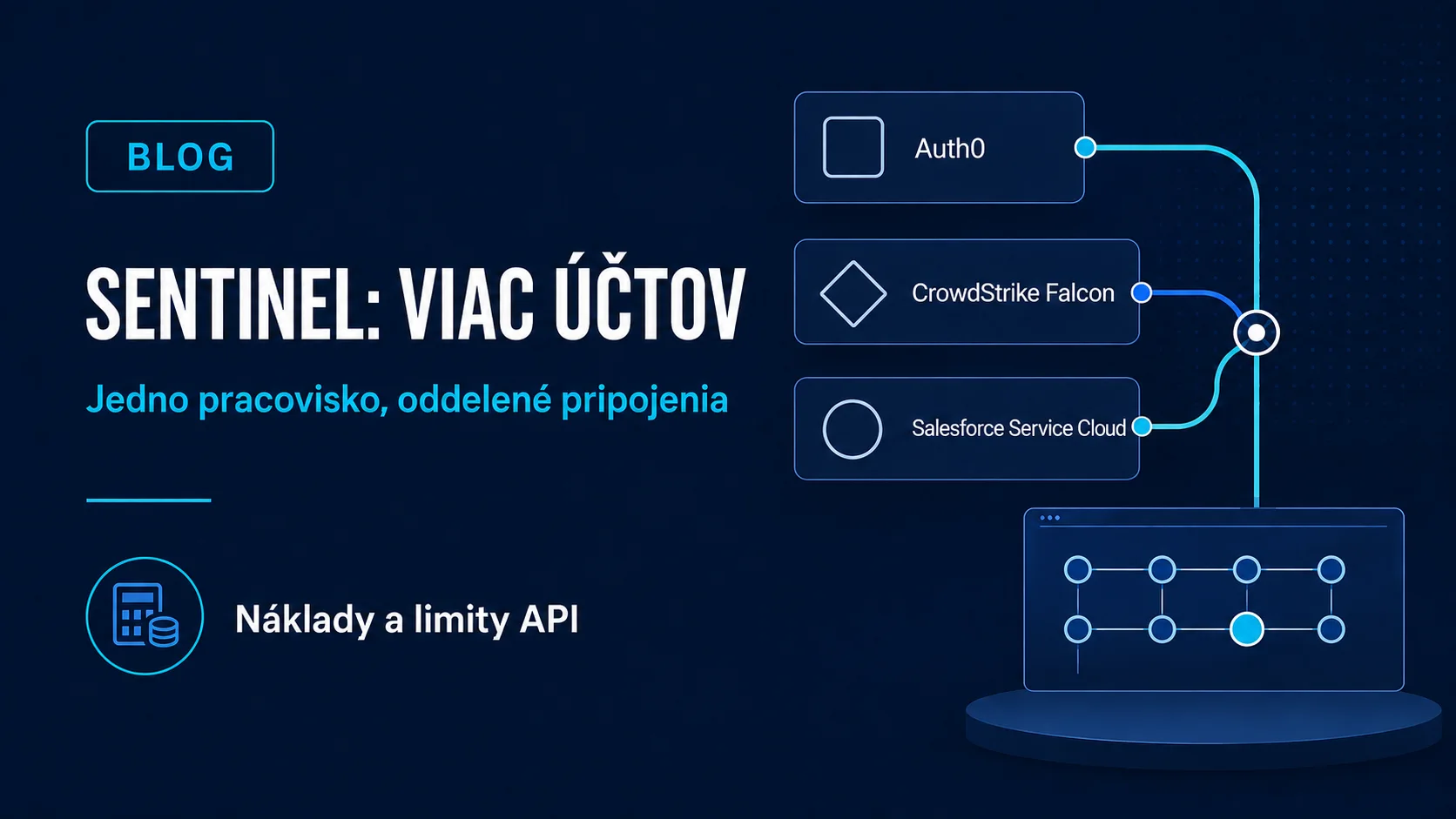
On 31 August 2026, Microsoft announced multi-account support for three Microsoft Sentinel connectors: Auth0, CrowdStrike Falcon and Salesforce Service Cloud. This is a practical change for security teams. Multiple accounts of the same source no longer have to lead to a separate connector type or improvised workaround for every connection.
Centralisation is not a consequence-free single click. Every connection authenticates and polls independently, data can land in a shared table, and source naming, permissions, API limits and ingestion cost become more important. Before connecting a second account, prepare a design that lets analysts distinguish events reliably.
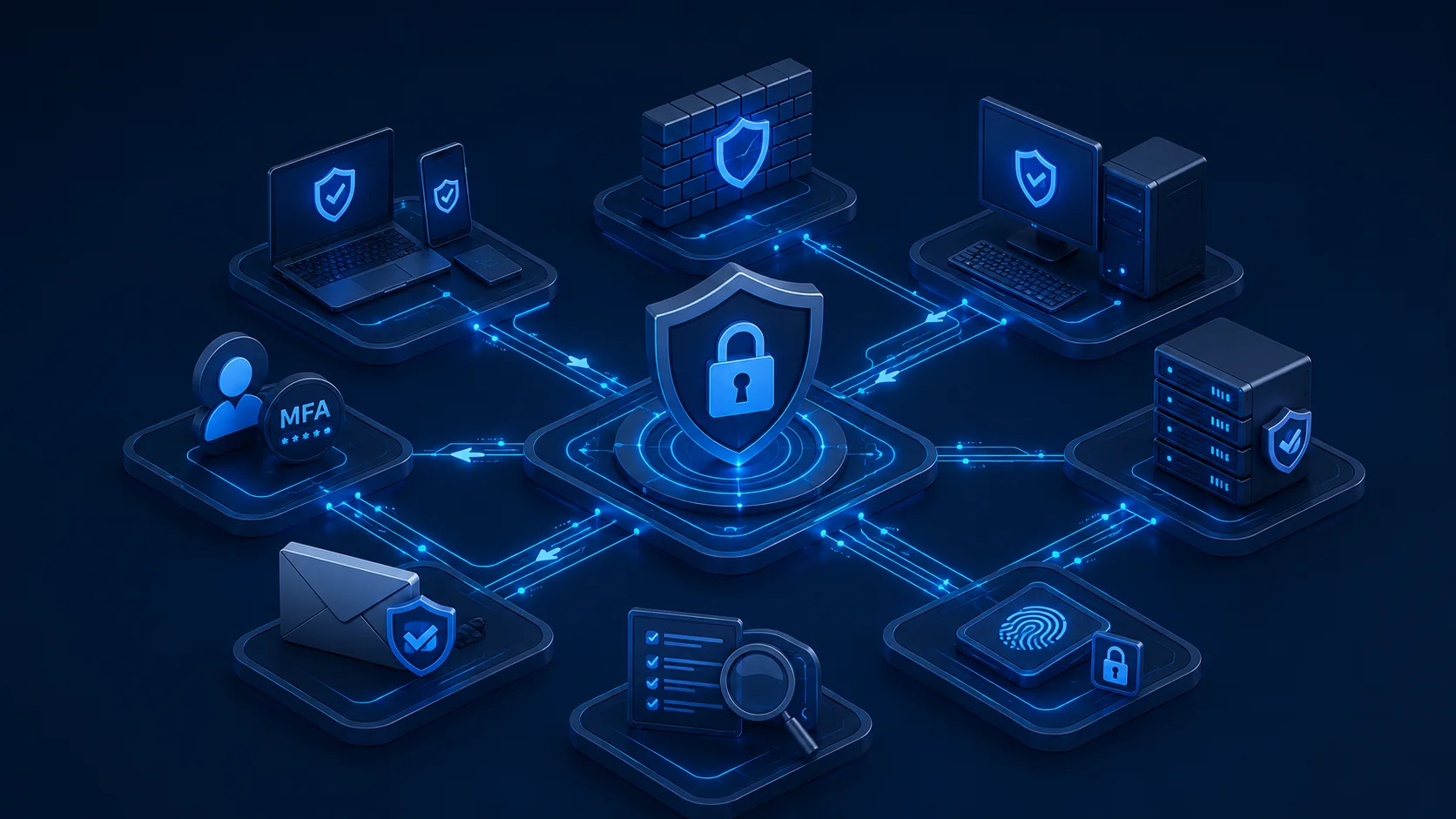 Microsoft Sentinel multi-account connectors
What exactly was added
The announcement covers the Auth0, CrowdStrike Falcon and Salesforce Service Cloud connectors. Microsoft presents them as the first connectors to support the multi-account pattern. It does not say that every Sentinel connector automatically accepts an arbitrary number of accounts. Check the current documentation for each additional connector.
The management interface can create several separate connections of the same type. Each has its own connection details and status. This can help a group of companies, a team operating several service tenants, or an organisation that separates a production account from another vendor account.
How the multi-account pattern works
Content Connector Framework documentation describes a shared connector definition, data collection rule, collection endpoint and target table. Each user-created connection nevertheless receives a unique ARM resource of type dataConnectors. This boundary matters for deployment, auditing and troubleshooting: two accounts are not one shared credential set.
Connections poll independently. When data uses a shared table, analytics rules and hunting queries need a field that distinguishes the source account or tenant. Without that context, a view may appear complete while the analyst cannot tell which organisational boundary an event belongs to.
What the feature does not solve
- it does not create source-service permissions or choose least privilege;
- it does not remove provider API limits and conditions;
- it does not guarantee that a shared detection rule separates every account correctly;
- it does not prevent ingestion volume and cost from increasing;
- it does not replace monitoring of connector health, delay or authentication errors;
- it does not mean that every other Sentinel connector supports the same process.
A practical process before the second connection
- List accounts and owners. Record the environment, business owner, security team and access owner for every source.
- Design an unambiguous identifier. Verify which target-table field identifies the account, tenant or other source context and that it is populated in all events.
- Prepare separate credentials. Avoid an ownerless shared secret. Limit permissions to what the connector needs and document rotation.
- Test one account. Check the first and latest event, ingestion time, expected record types and gaps.
- Measure daily volume. Use the pilot to estimate ingestion, retention and query load, then compare the estimate with actual use.
- Check API limits. Each connection polls independently, so several connections can increase calls to the same API.
- Update detections. Add source-account context to hunting queries, analytics rules and dashboards wherever it changes interpretation.
- Prepare rollback. Define how one connection can be disabled without deleting history or interrupting other accounts.
Cost, limits and data quality
Microsoft does not specify a separate fixed connection cap for this connector pattern, but explicitly recommends validating scale in the environment. The practical boundary may be the source API, data volume, platform limits or processing time. “No connector-specific cap” is not a promise of unlimited capacity.
Every connection adds independent polling operations. If the new account produces additional events, ingestion and potential cost increase as well. Before production, track record count by account, delay, connector errors and cost over the same period. A shared table avoids schema fragmentation, but demands disciplined filtering.
Security boundaries
Secrets, tokens and keys do not belong in tickets, wikis or audit summaries. Keep them in the designated secret store, restrict access and rotate them according to the source-service policy. When retiring an account, remove only the relevant connection and credential; other connections may still use shared components.
For critical sources, also test negative scenarios: an expired credential, API throttling, an incomplete response and delayed data. A “Connected” status alone does not prove that every expected event reaches the table.
Administrator checklist
- every connection shows an owner and source account;
- each connection has least-required permissions and its own credential rotation;
- events can be separated by account in the table;
- detections use the right context and do not merge unrelated tenants;
- volume, delay, errors, API limits and cost are monitored;
- a safe process for disconnecting one account is documented.
When to involve a specialist
Multiple accounts in one workspace add value only when data and responsibility boundaries remain clear. Yenwa can help design sources, detections and operating controls through its cybersecurity services. For cloud services, we can prepare a pilot, estimate ingestion and verify that centralisation has not created a blind spot.
Centralise visibility, not ambiguity. Every event must remain attributable to the right source, owner and connection.
Sources and further information
- Introducing Multi-Account Support for Connectors in Microsoft Sentinel — Microsoft Security Blog
- Develop a multi-account CCF data connector — Microsoft Learn
- Find your Microsoft Sentinel data connector — Microsoft Learn