Innovate education with Adobe
Educational institutions today face the challenge of preparing students for a digital environment that changes quickly. Adobe brings tools that help schools develop creativity, critical thinking and digital skills.
Adobe Creative Cloud changes the way students learn, create and communicate. Tools such as Photoshop, Illustrator, Premiere Pro or Acrobat Pro can naturally become part of project-based learning, media creation and professional preparation.
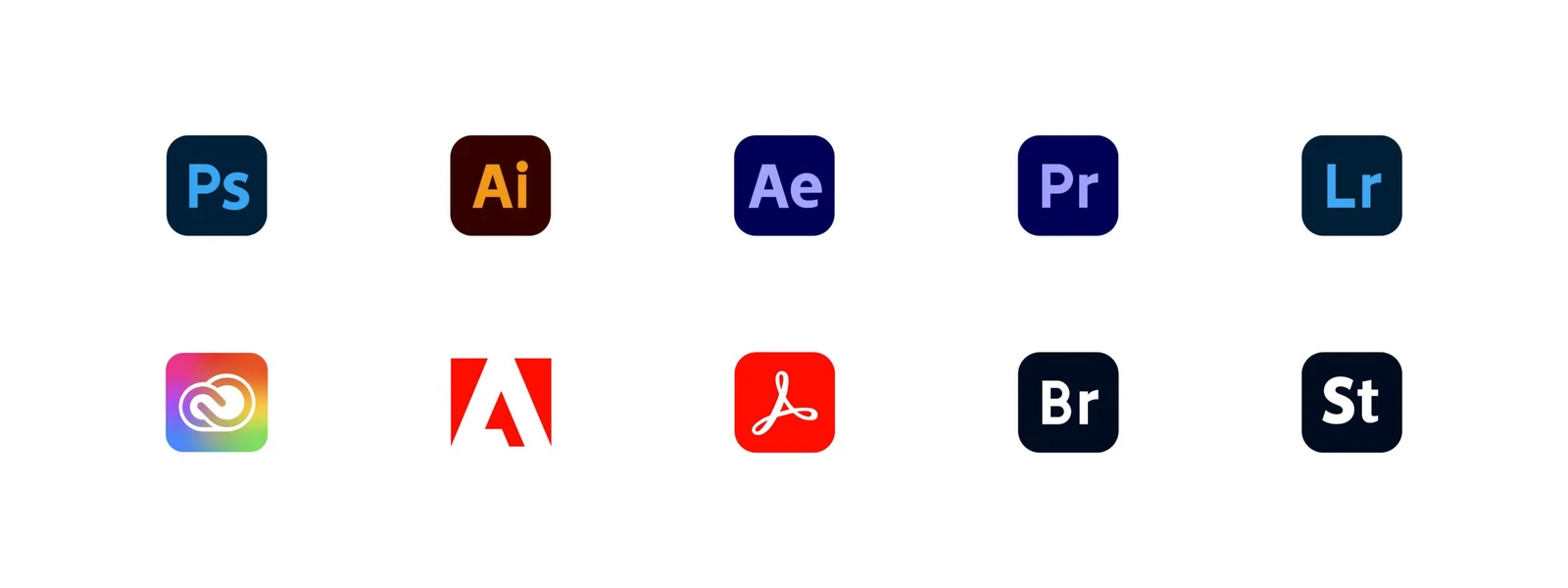
Adobe Creative Cloud for schools and universities
Creative Cloud is not only a set of programs. It is a platform for creativity and innovation that includes more than 20 professional applications, including Photoshop, Illustrator, Premiere Pro, After Effects, InDesign and Acrobat Pro.
- edit photos and images,
- create animations and videos,
- design logos, posters or publications,
- create interactive presentations and documents.

Why choose Adobe in education?
- Higher student motivation Projects in graphics, video, animation or 3D creation make lessons more engaging and more connected with practice.
- Development of digital literacy Pupils and students learn tools used by professionals in the creative industry, media, marketing and IT.
- Preparation for the future The ability to work with digital content is increasingly important regardless of whether a student is heading into design, technology, business or services.
Adobe Express for primary and secondary schools
For primary and secondary schools, Adobe offers Adobe Express for Education. It is a simple and safe tool available free of charge that makes it possible to quickly create visual content even without advanced graphic experience.
- an environment without ads and distractions,
- safe content for pupils, including filtered search,
- simple account management through school systems such as Google Workspace or Microsoft Azure,
- templates for presentations, posters, videos and social media posts.

Adobe licences for schools and universities
Adobe takes different types of educational institutions into account. When choosing a licence, it is important to distinguish whether it is for a primary or secondary school, university, classroom, teachers or wider deployment for students.
For primary and secondary schools (K-12)
- affordable licences starting from only a few euros per student per year,
- deployment in computer classrooms as well as on personal devices of students and teachers,
- simple licence management and a secure environment.
For universities and higher education
- support for hybrid and online education,
- access to advanced applications, including Substance 3D,
- programs supporting digital literacy, for example Creative Campus.

Eligibility of an educational institution
Selected types of educational institutions are eligible to purchase Adobe products at a discounted price. This usually includes accredited public or private primary and secondary schools, school districts, accredited universities and colleges, school administrative offices or school boards.
- an eligible institution should provide education and meet Adobe conditions for education licences,
- a purchase may require eligibility verification or identification of the purchase through an educational institution store,
- ineligible organisations may include non-accredited schools, some training centres, religious organisations, museums or libraries.
Proof of eligibility
Adobe requires resellers to verify eligible educational institutions based on the rules set out in the agreement between Adobe and the reseller. In practice, this may mainly involve identifying the purchase through the school or documents confirming the relationship with the educational institution.
- a valid official purchase order from the educational institution,
- payment and billing details with the educational institution address,
- payment by a faculty member or employee with delivery to the educational institution address,
- other documents approved by Adobe according to the current rules.
How Yenwa can help you
If a school or university is dealing with Adobe licences, it is useful to look not only at price, but also at management of users, devices, access and security. For larger deployments, it pays to prepare a clear process so students and teachers have stable access to the tools.
Yenwa can help you review licensing options, prepare technical deployment, configure accounts and align Adobe with the school environment, Microsoft 365, Google Workspace or existing IT infrastructure.